



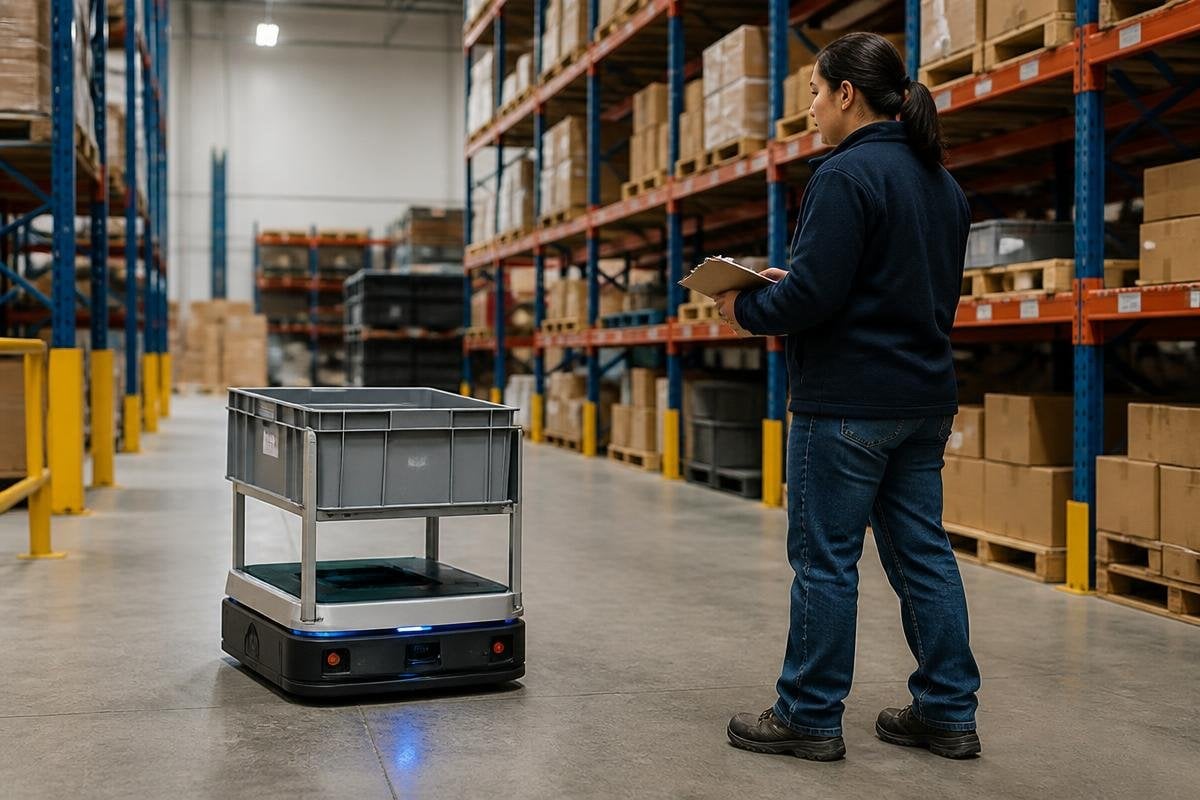
Warehouse automation will grow through better task planning, safer robot movement, and clearer cost checks. The hard part is choosing work that a robot can repeat well, then fitting that system into the people, software, and space already in use.
- Map the task before choosing the robot
- Count handoffs, stops, and exceptions
- Keep a person ready for work the system cannot handle
Start with the work
A warehouse manager should begin with one repeated task. That might be moving totes, scanning stock, sorting parcels, or bringing goods to a packing station. Each task has a different mix of travel, lifting, sensing, and human judgment.
The useful question is simple: what happens during a normal run, and what happens when the item is missing, damaged, blocked, or in the wrong place? A system that works only on the normal path will send its hardest cases back to staff, often without a clear way to fix them.
Map the full task before you compare machines. Record where the robot starts, what it must detect, what it carries, where it stops, and who takes over when the plan fails. This gives you a test that relates to warehouse work instead of a product demo.
Match the machine to the site
The robot needs to fit the floor, shelves, doors, safety zones, and traffic rules. An autonomous mobile robot uses sensors and software to move through a site, but it still needs clear paths, known limits, and a safe response when people cross its route.
A robotic arm brings a different set of questions. Its reach, payload, gripper, and view of the item must match the work. A gripper that handles a firm box may struggle with a soft bag or a thin wrapper. That small detail can decide how many orders need human help.
Software matters just as much. The robot must receive the right job, report its status, and send a clear message when it cannot finish. If the warehouse system cannot see those states, staff may spend their time searching for stalled work.
Keep people in the plan
Automation changes jobs around the machine. Staff may load goods, clear blocked paths, check damaged stock, or handle items the robot cannot identify. Those duties need clear ownership before the system starts running.
Training should cover the normal task and the failure path. A worker needs to know how to stop the robot, remove an item safely, report the fault, and restart the task. The steps should be visible near the work area, not buried in a manual.
Public reports can show whether a warehouse robot has handled the failure cases your training covers. Warehouse robotics reports from Robot24.com put the machine, task, and stated limits beside the company claim, helping you decide where a person should take over.
The strongest plan also leaves room for manual work. A person can handle rare cases faster than a robot trained for one narrow pattern, so the site needs a clean handoff instead of a forced attempt to automate everything.
Measure the result you need
A warehouse project needs measures tied to the task. Count completed moves, picked orders, waiting time, stopped jobs, and the minutes staff spend fixing errors. Track those measures before and after the change so the result has a clear reference point.
Cost has more parts than the robot. Include installation, software, site changes, service, spare parts, training, and the staff time needed to manage exceptions. A lower purchase price can lose its value if the system needs frequent manual work.
The open question for newer systems is how well they handle change. A robot may repeat a known task well while struggling with new packaging, moved shelves, poor labels, or busy traffic.
I’d fund a narrow task with a clear measure before buying a broad promise about an entire warehouse.
A practical buying checklist
Use these checks before signing a contract:
- Name the task: write down the start point, end point, load, and handoff
- Count exceptions: record missing items, blocked paths, damaged goods, and failed scans
- Check the site: measure paths, doors, shelves, charging areas, and safety space
- Test the software: confirm job status, fault messages, logs, and restart steps
- Price the whole system: include setup, service, training, spares, and site work
- Set a stop rule: decide which result would end the trial or change the plan
That last point keeps a trial useful. If the system misses the agreed task rate, needs too much staff help, or creates a safety issue, the team has a reason to pause and fix the plan.
Warehouse automation will keep moving toward systems that can handle more types of work. The next purchase should still rest on a smaller question: which task can this machine do safely, repeatedly, and at a cost the site can defend?
